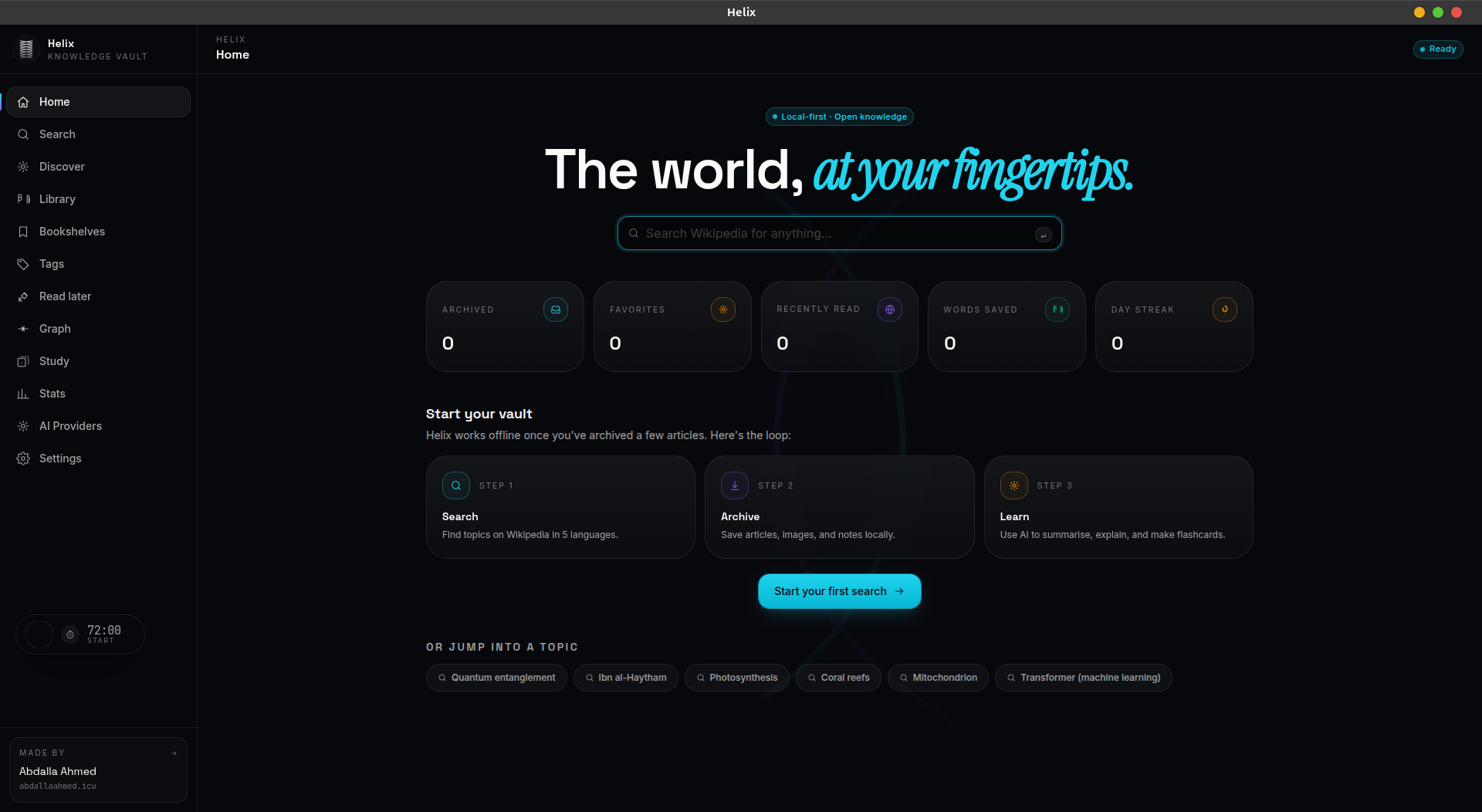
Local-first · Privacy-focused
Wikipedia,
on your machine.
Search, archive, and study Wikipedia articles offline. AI summaries, flashcards, and exams — all on your device.
Everything you need to learn
A complete knowledge platform that runs entirely on your device.
Offline Knowledge
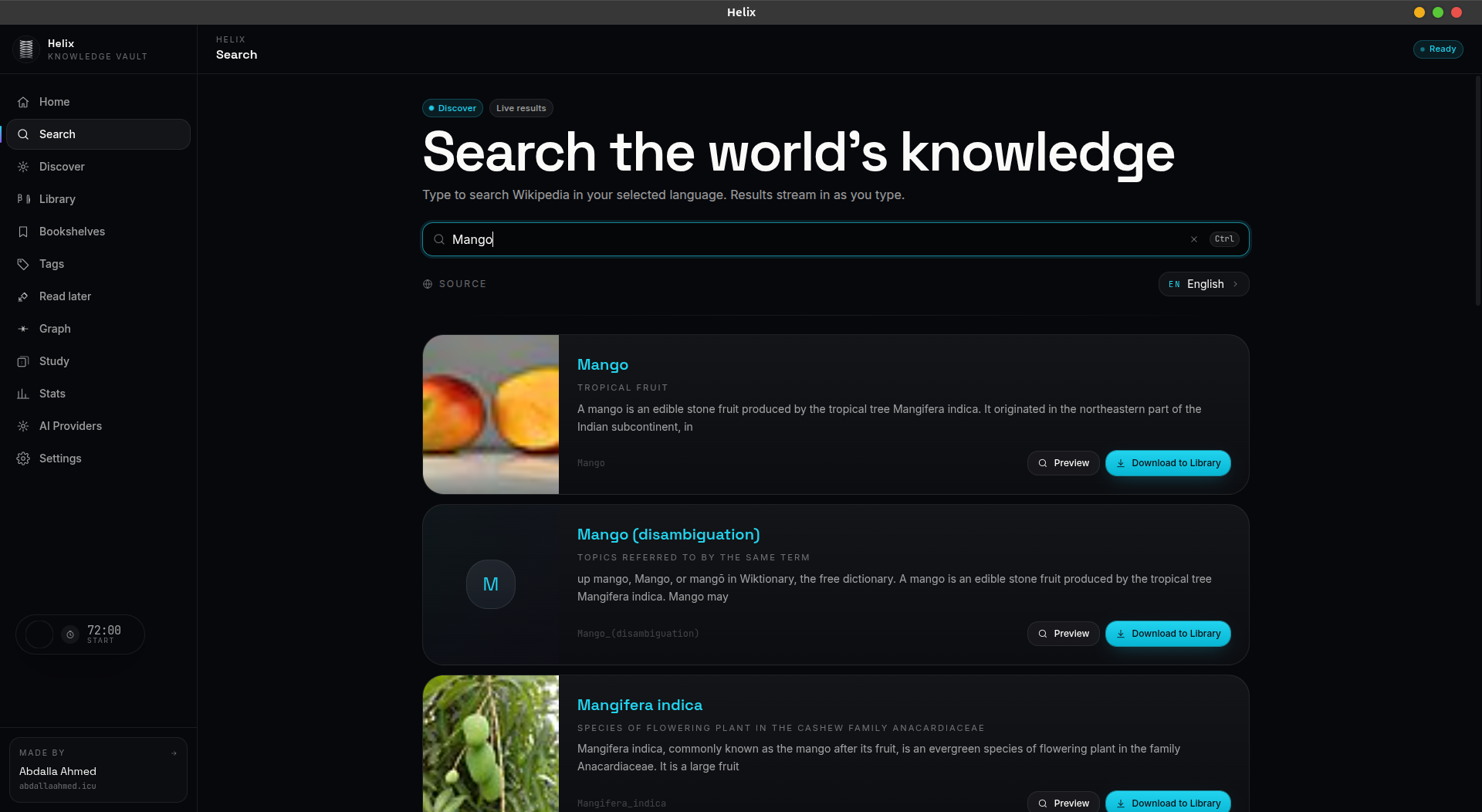
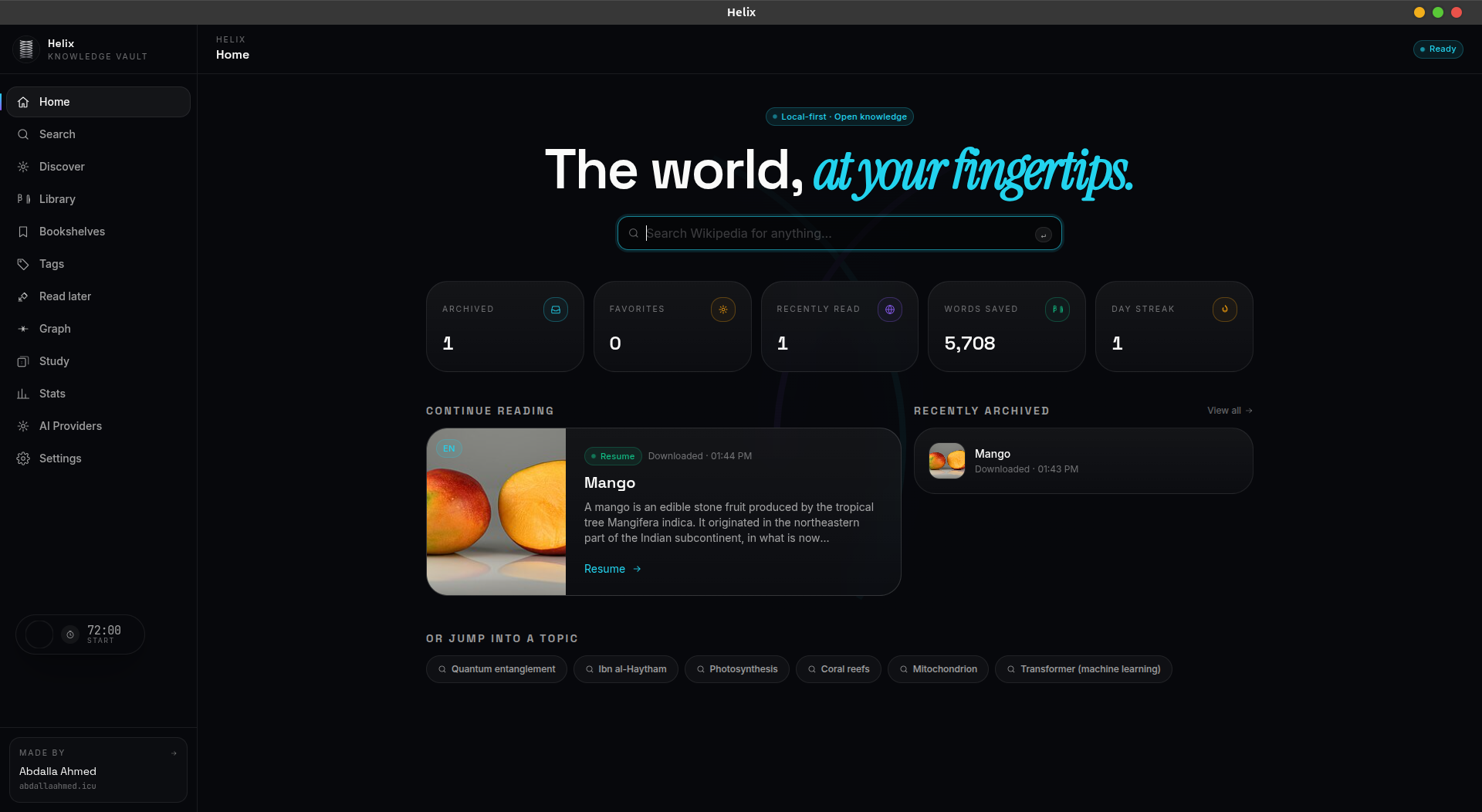
Archive Wikipedia articles and read them anytime, anywhere — no internet required.
AI Summaries
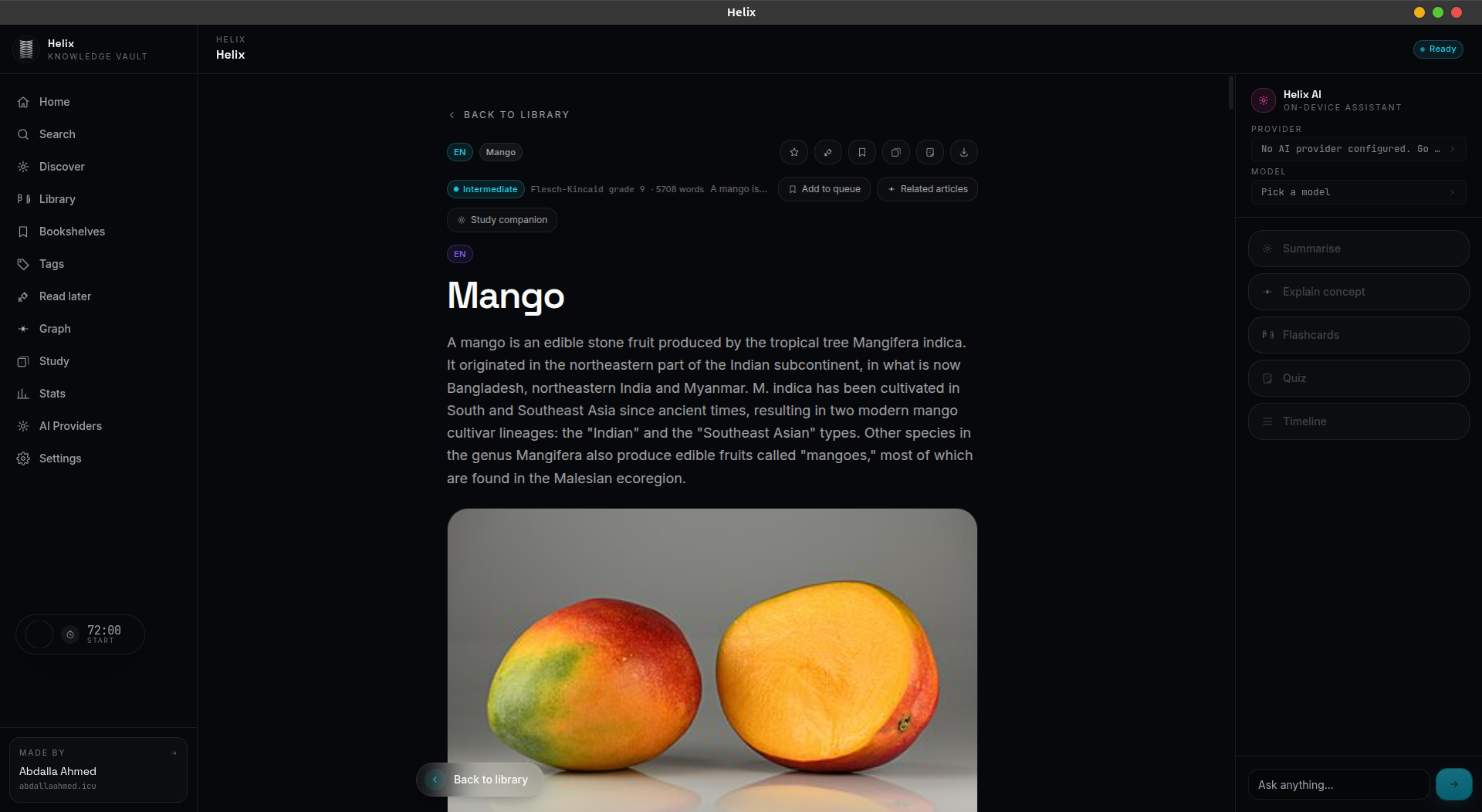
Summarize articles, get explanations, and ask questions about your archived content.
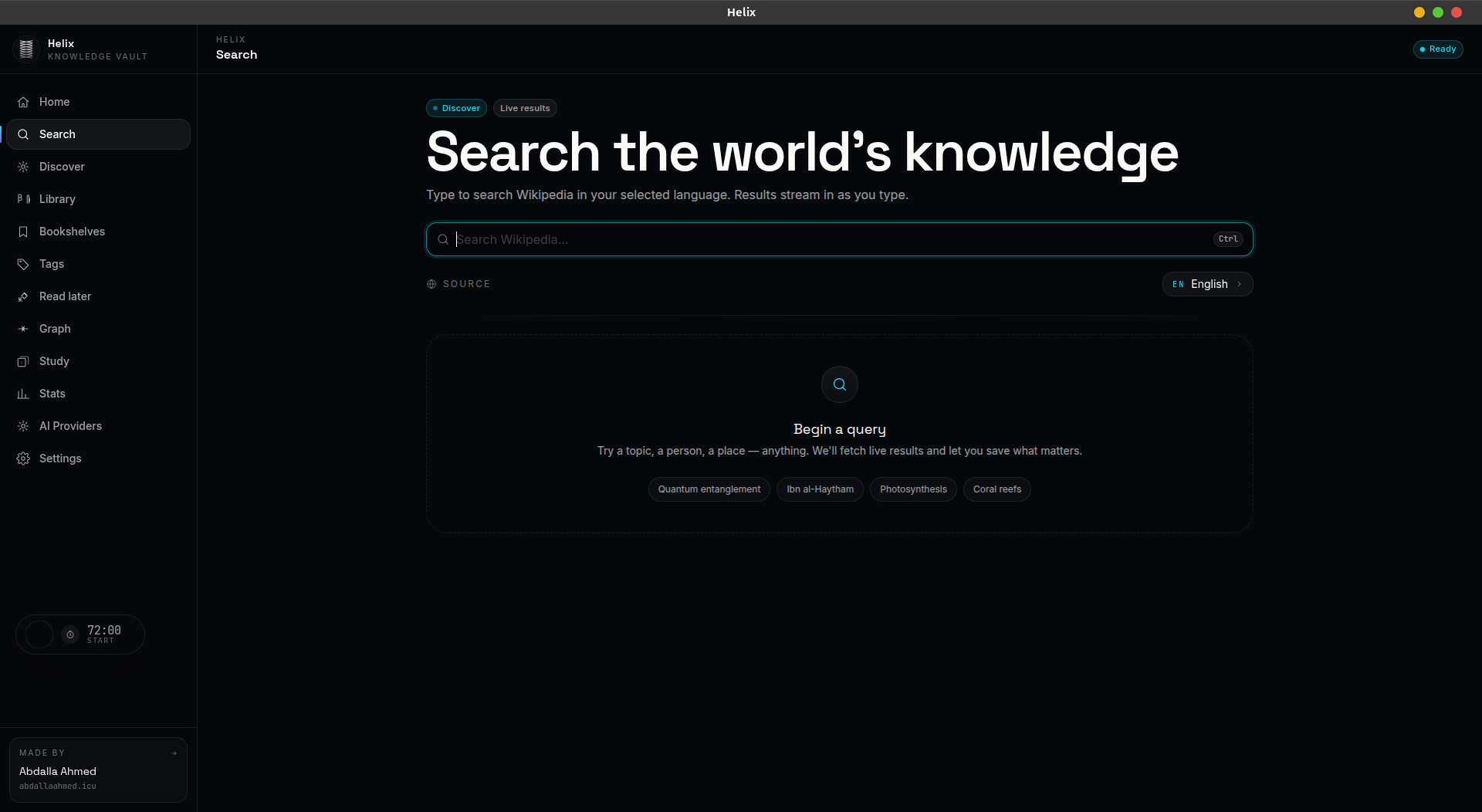
Multi-Language Search
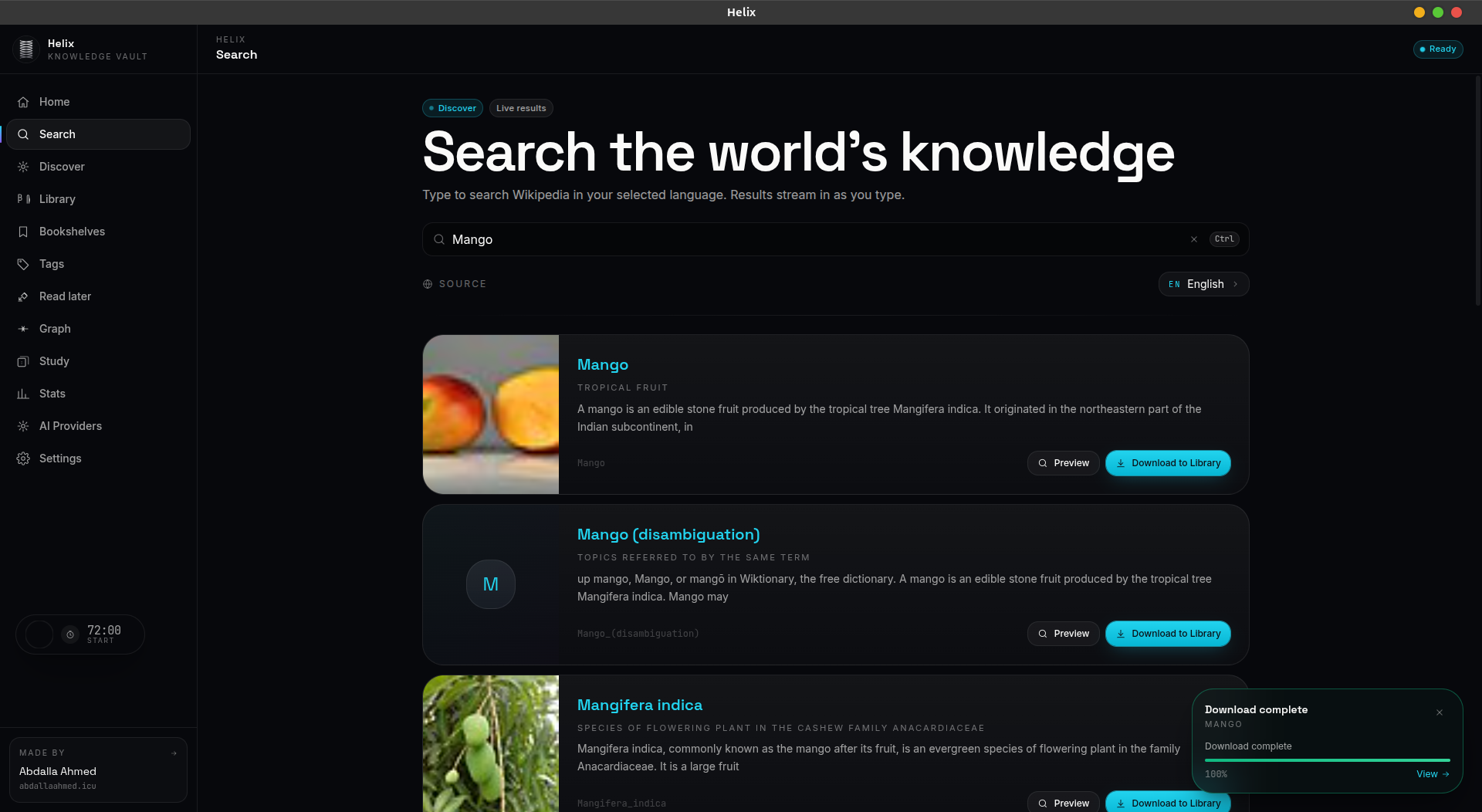
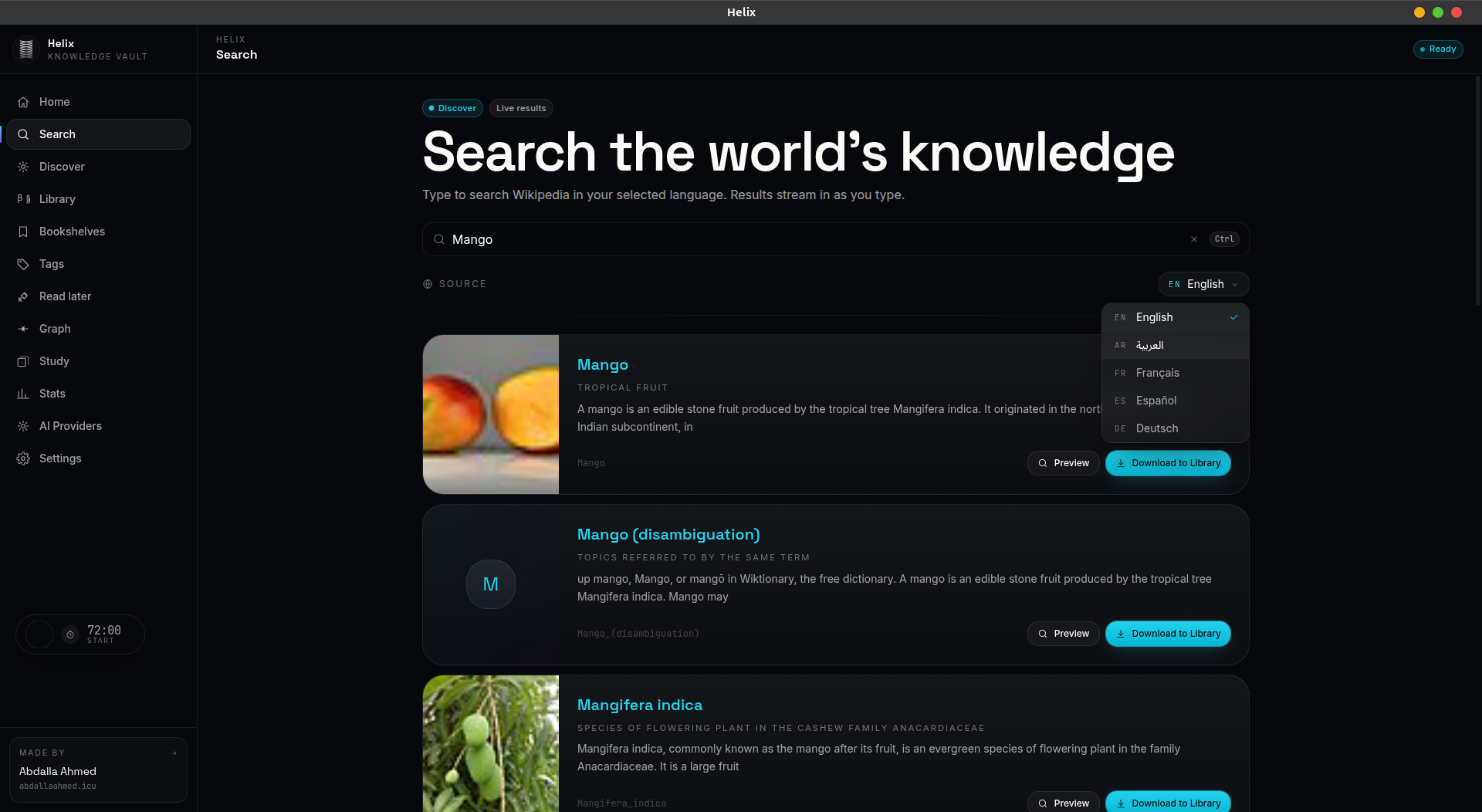
Search Wikipedia in English, Arabic, French, Spanish, and German.
Smart Flashcards
Auto-generate flashcards with spaced repetition for effective memorization.
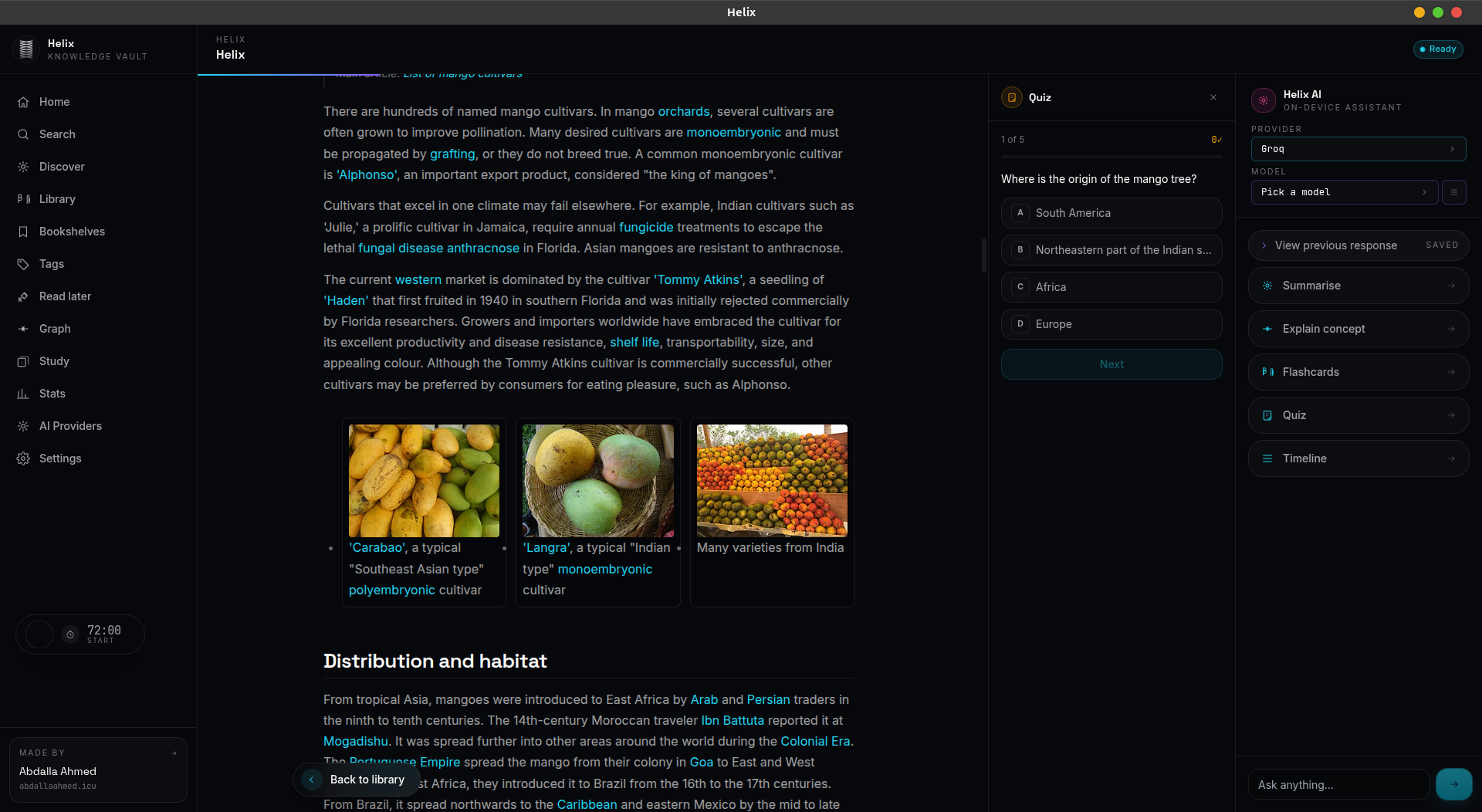
Exam Generation
Create multiple-choice exams from any archived article to test your knowledge.
Privacy First
No accounts, no cloud, no tracking. Your data stays on your machine.
Fast Desktop App
Native desktop experience built for speed. Search and archive in milliseconds.
Local Search
Full-text search across your library. Tag, shelve, and organize your knowledge vault.
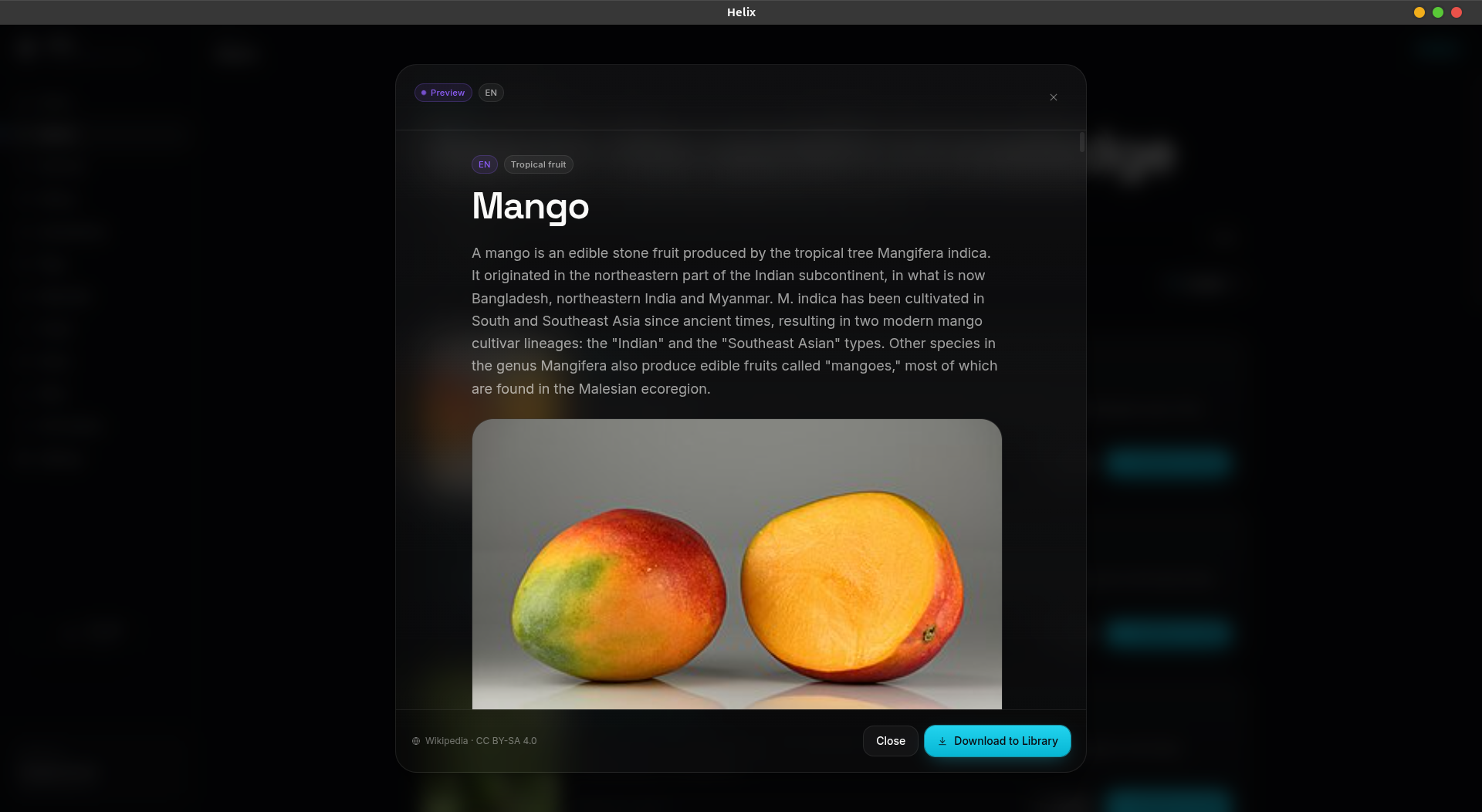
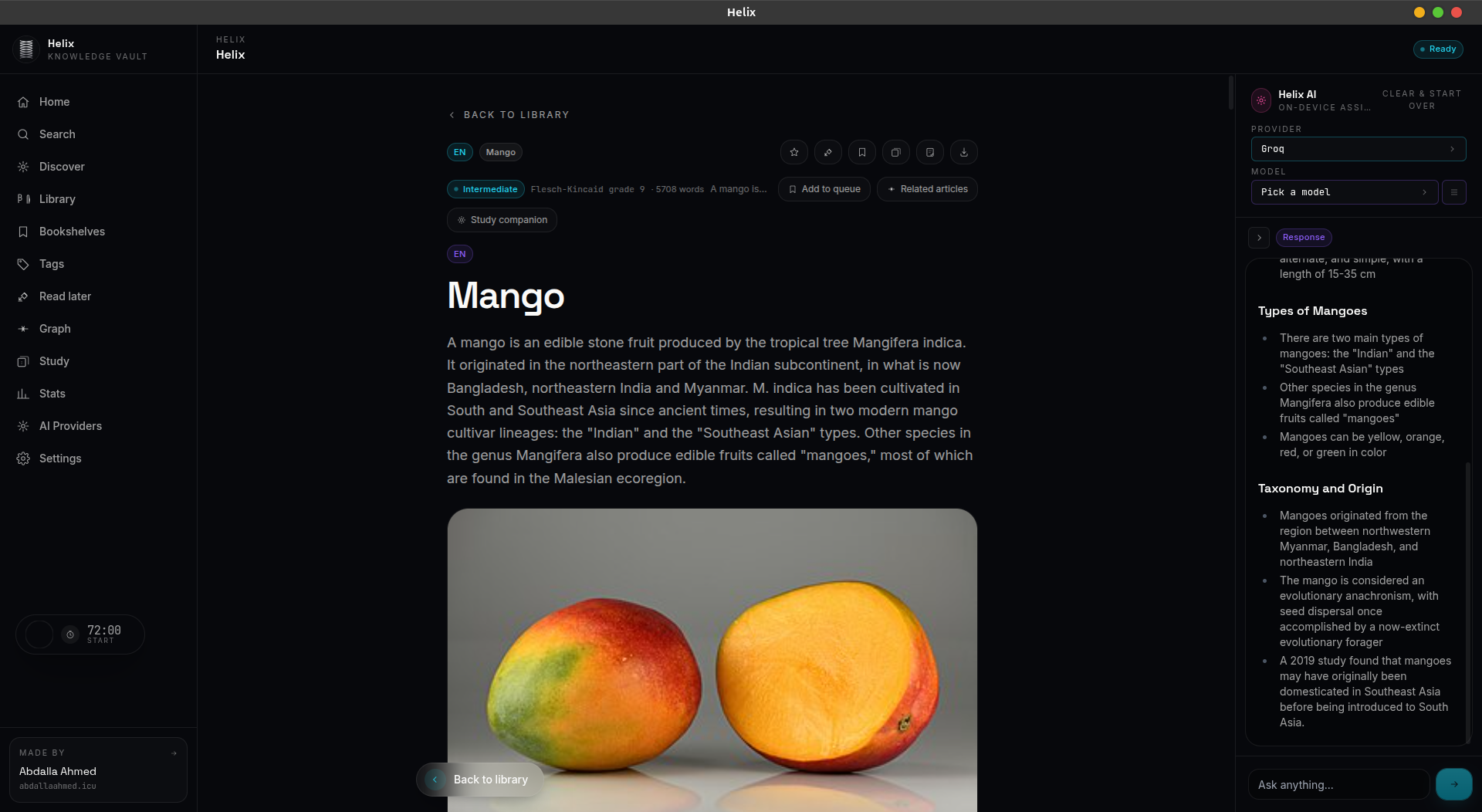
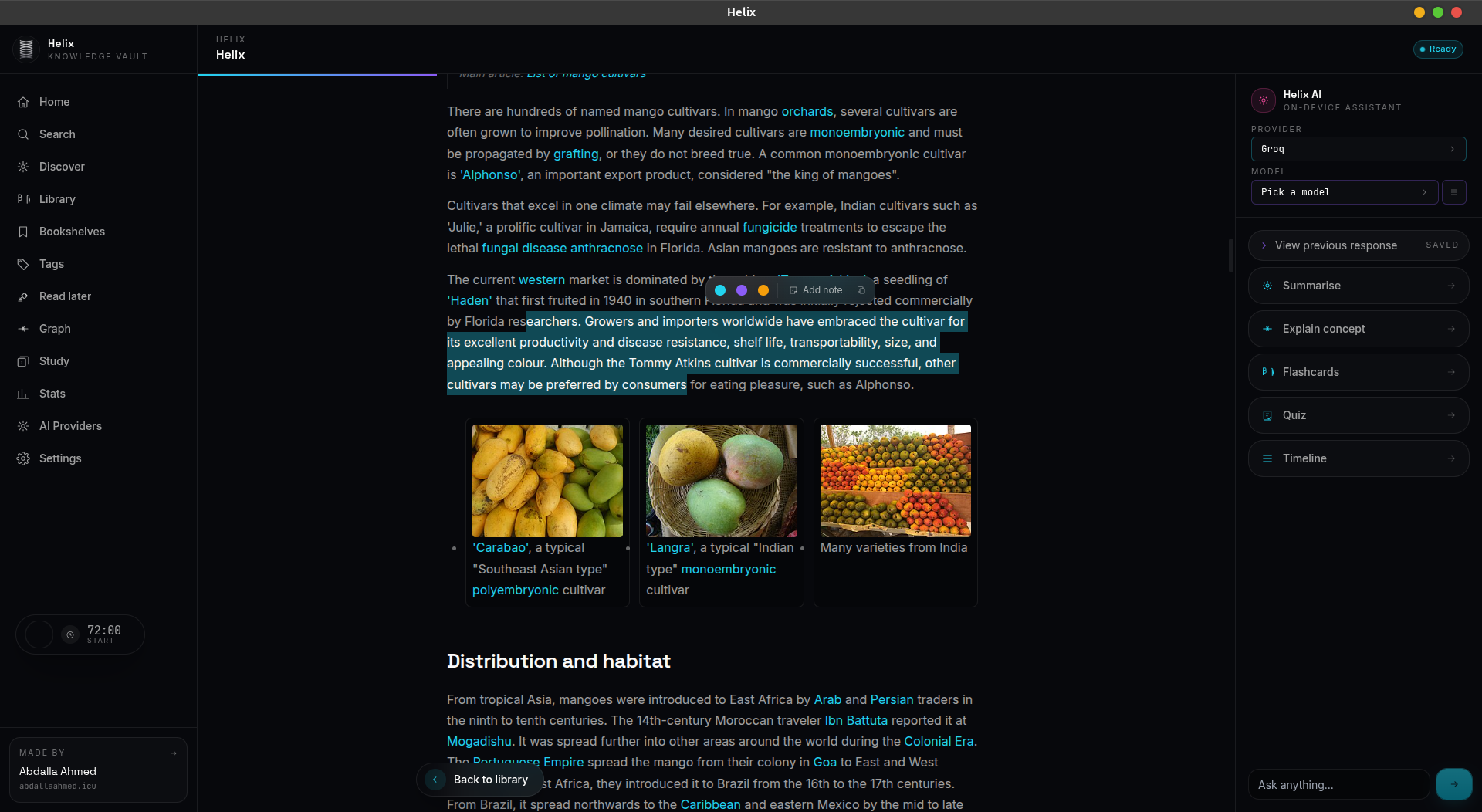
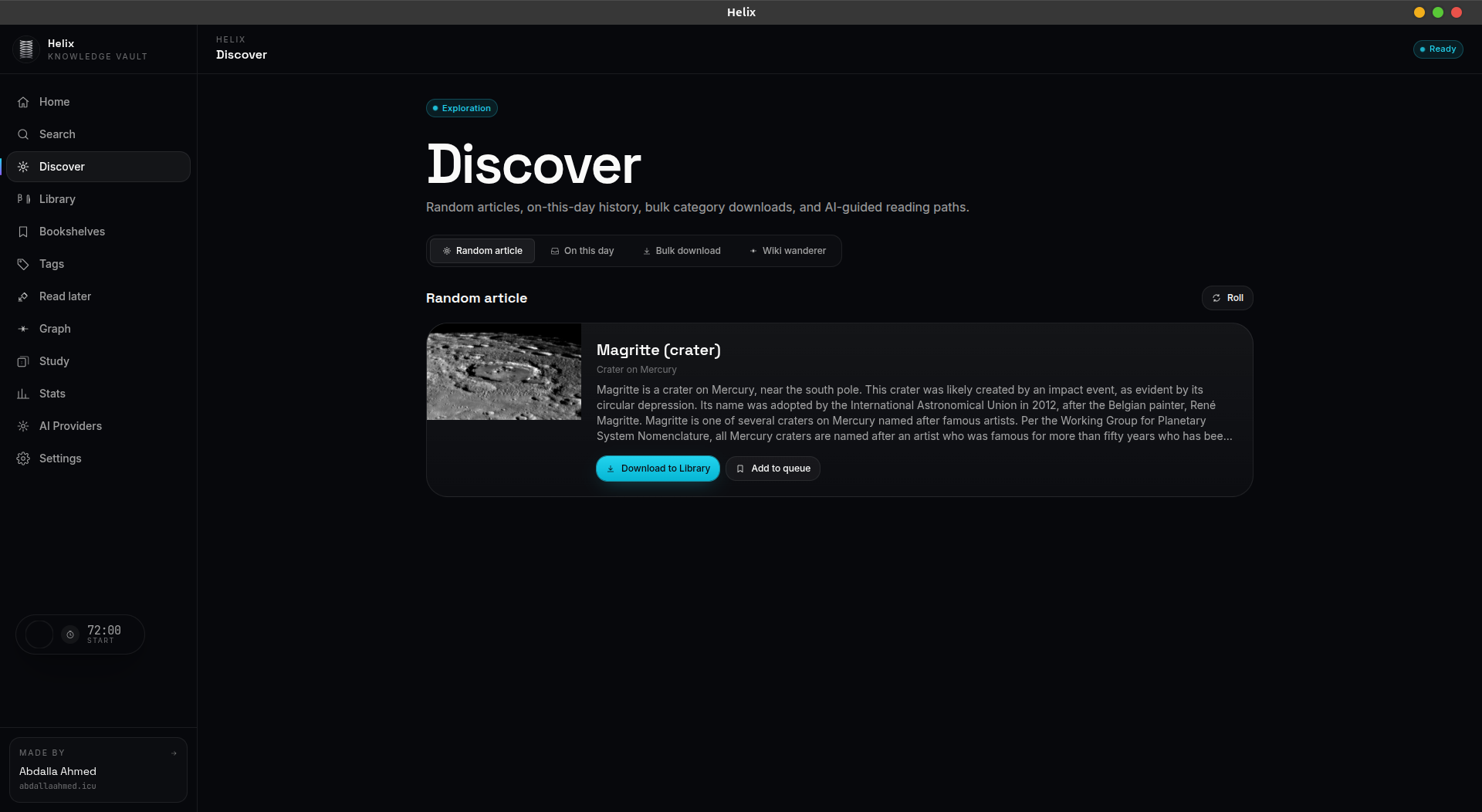
See Helix in action
A clean, modern interface designed for focused reading and learning.
Download for your platform
Free. No account required.
Latest release
v1.2.0Released: Jun 23, 2026
Pick your platform


Release notes
✨ What's New in v1.2.0
This release introduces a plugin system, custom AI providers, and a set of reader quality-of-life features. It also removes the mobile companion to keep the desktop experience focused.
🚀 Major Features
- 🧩 Plugin System — first-class extension API
- Sandboxed plugin runtime loaded from user-data folder
- Manifest loader with version, permissions, and min-Helix-version checks
helix-plugin://custom protocol serving plugin UIs into sandboxed iframes- Permissions model + per-plugin storage API
- Plugin Manager UI: install from folder, enable/disable, uninstall, reload
- Full authoring docs (
docs/PLUGIN_AUTHORING.md) and ahello-worldexample
- 🤖 Custom AI Providers — bring your own OpenAI-compatible endpoint
- Add / edit / remove / test custom providers
- Stored in a dedicated
customstore and exposed alongside built-in providers in the Providers page
📖 Reader Experience
- 🔖 Bookmarks Panel — in-article bookmarks with labels, section anchors, and scroll-position recall
- ⏱️ Reading Time Badge — estimated minutes-remaining on every article
- ▶️ Resume Pill — one-tap jump back to the last position in the article you were reading
- 🕘 Recents Section — sidebar-friendly recents with quick remove and clear-all
- 🧠 Graph view — large rewrite of the knowledge-graph page for faster layout and cleaner visuals
- 📄 Providers page — redesigned for custom providers and clearer key management
🌍 Translations
- 🌐 Five-locale coverage kept in sync across the new screens:
en,ar,fr,es,de
🗑️ Removed
- 📱 Mobile companion — the embedded HTTP server, PIN auth, mobile web UI, and "Mobile companion" settings tab are gone
- Drops the
qrcodeand@types/qrcodedependencies - Existing users: leftover
{userData}/Helix/mobile-settings.jsonis harmless and can be deleted manually
- Drops the
⚙️ Build & Release
- 🛠️ CI: streamlined release pipeline — direct uploads to the
Helix-releasesrepo, fixed release-creation ordering, fixed Windows shell path handling - 📦 Bumped product version to 1.2.0
📝 Notes
- A
package-lock.json↔bun.lockdrift exists from prior development; CI usesnpm installand will refresh the lockfile on the next developer build - The on-disk schema is unchanged — existing libraries, notes, bookmarks, and flashcards migrate cleanly